Executing a Document Step in Assisted Treatment
- You are in the Assisted Treatment window and the operating procedure includes a document step that you want to do.
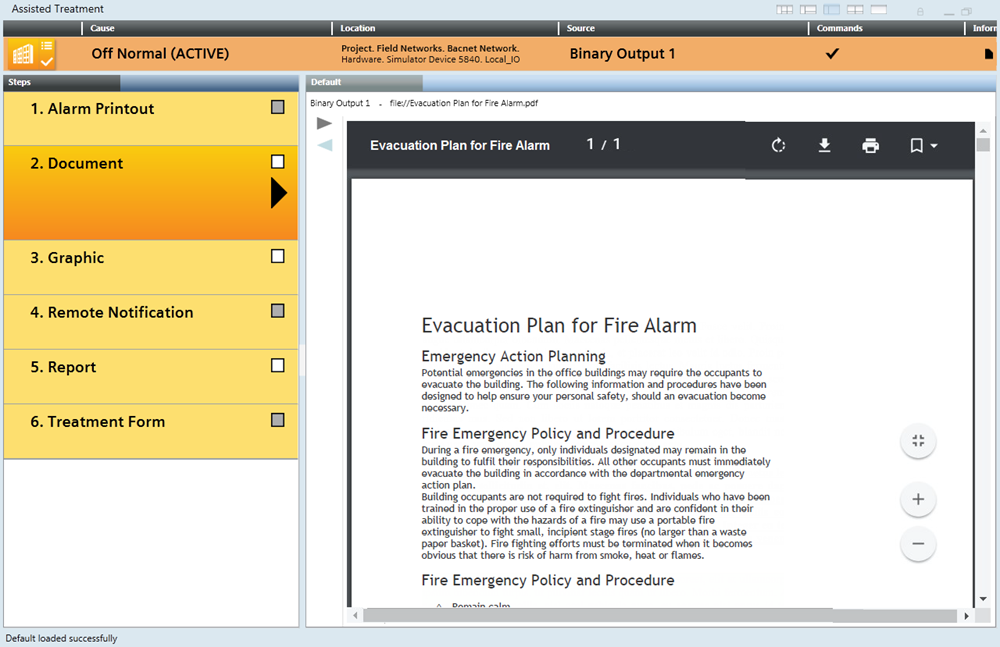
- From the Steps list, select the [document step].
- The content of the document displays in the Default tab.
- Read the document carefully and follow any instructions.
- Click Backward
 or Forward
  to move through any other documents included in this step.
NOTE: Regardless of the document type, you can search for text in a PDF or on a help web page by pressing Ctrl + F or from the menu. If a PDF file displays, you can also use the incorporated controls to zoom in, zoom out, print or download the document.
