New Remote Notification in the Secondary Pane
You can open RENO Message in the Secondary pane, and can switch to the New Remote Notification workspace. Here you can compose a message, define the recipients, and send an operator-issued remote notification, that is, one that is not triggered by an alarm.
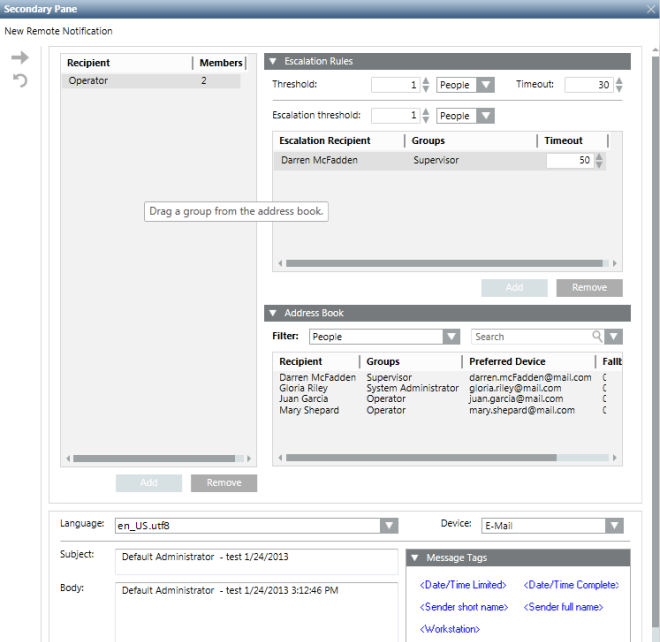
New Remote Notification Toolbar Controls
Send this message | Send a new operator-issued remote notification. |
Clear all message data | Clear all fields for the current new operator-issued remote notification |


